Big Walk Multiplayer: Crossplay, Join Codes, Saves, and Group Size
Big Walk supports 2-12 players with full crossplay and no random matchmaking. How join codes, host-saved worlds, version matching, and text chat work.
- Applies to
- Big Walk 1.4.7 (launch version)
- Published
- 2026-08-07
- Updated
- 2026-08-14
On this page
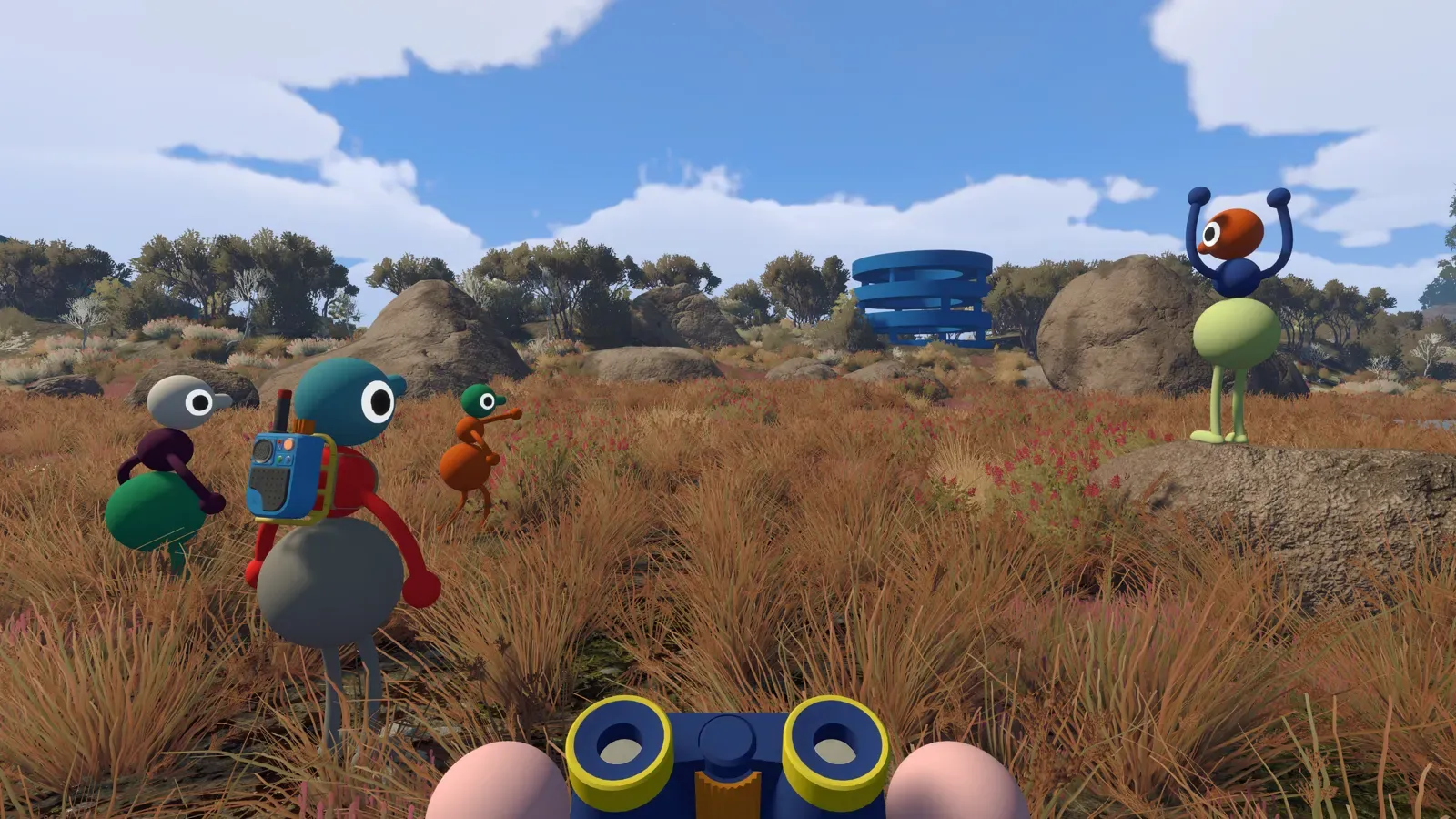
Yes, Big Walk has full crossplay. Players on Windows and Mac (Steam), the Mac App Store, PlayStation 5, and Nintendo Switch 2 can all share one session, with 2-12 players per world. There is no random matchmaking and no meaningful solo mode: you organize your own group, and one player hosts everyone else.
The short version of a session: pick one long-term host, let the host choose a 2 player, 3 player, or 4+ player world, wait for the host’s character to load, then share the current Join Code (or use same-platform friend rooms). Before anyone troubleshoots their network, check that all clients match on the first two version-number segments. And when you come back another night, the original host has to start the session again — they hold the save.
How crossplay works
The official FAQ and all four store listings confirm online co-op with crossplay across every platform Big Walk ships on. A group can freely mix Steam, Mac App Store, PS5, and Switch 2 players in the same world. Two things still apply per platform:
- PS5 players need an active PS Plus membership for online play.
- Switch 2 players need Nintendo Switch Online for online play.
One honesty note from our editorial desk: the rules on this page come from the official FAQ and store listings, checked on August 7, 2026. We have not yet run our own full cross-platform session across every device combination, so where official material is silent we say so rather than guess.
Official press kit image, © 2026 House House in cooperation with Panic.
Pick a host and a world size
When creating a session, the host chooses between a 2 player, 3 player, or 4+ player world. According to the official FAQ this sets the minimum group size, and parts of the world’s content change to match the tier you pick.
Practical advice: choose the tier that matches your group’s usual minimum attendance, not its best night. If three regulars and two occasional players form the group, a 3 player world is the safer long-term home.
What the official material does not yet spell out: exactly which objectives change per tier, whether an existing world can switch tiers mid-save, and what happens to progress if the host crashes. Those points need in-game verification, and we will not invent answers for them.
How to join a session
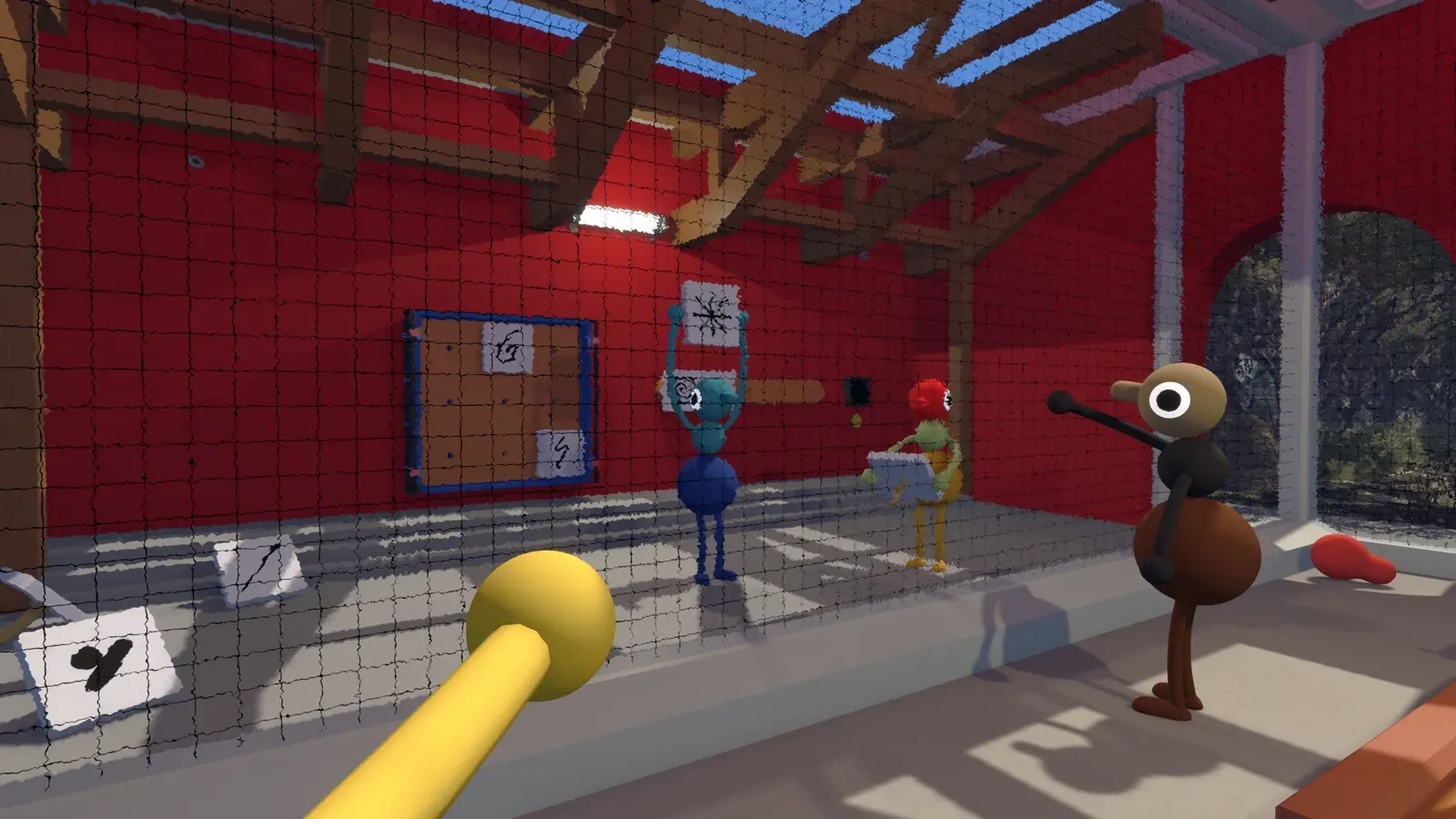
- Host starts the session and waits until their character has fully loaded, with no connection warning in the bottom-left corner of the screen.
- Host shares the current Join Code. Before the run starts, the code sits in a corner of the host menu; once the group is inside the world, it lives under Session Details. A fresh code is generated every session — last night’s code is dead.
- Same-platform friends can also look for the host’s room in the active friend rooms list instead of typing a code.
- Cross-platform friends, and everyone on the Mac App Store version, must use the Join Code. The Mac App Store build does not support Game Center friend rooms, so the code is its only way in.
- If a join fails, compare game versions first (next section), then work through our connection checklist rather than randomly changing settings.
 Official press kit image, © 2026 House House in cooperation with Panic.
Version compatibility
Only the first two segments of the version number need to match. A client on 1.2.1 can play with a client on 1.2.9, but not with one on 1.3.0. The current baseline is Big Walk 1.4.7 (launch version), checked on August 7, 2026. Comparing versions takes ten seconds and saves an hour of pointless network debugging.
Who owns the save
The host’s game automatically saves all world progress for the group. Two consequences follow:
- When the host ends the session, everyone else disconnects. Plan your stopping points around the host’s clock.
- To continue the same world, the original host must host again. Another player cannot load that world, even if they were there for every step.
On host migration: official material describes only the original-host rule. A community save-transfer guide that once circulated on Steam has been removed, so right now there is no verified method for moving a world to a new host. That means “no verified method,” not “proven impossible” — but any file-surgery workaround you find in old forum posts is unverified and should not be trusted with a long campaign. Whether an official transfer path exists needs in-game verification or an official statement.
Voice, text, and external chat
You do not need a microphone: text chat can carry a full playthrough. Both voice and text are deliberately limited by distance and obstacles — walls muffle, range fades — and both interact with the in-game walkie-talkies, which is most of the fun.
Using Discord or another external voice app is not punished, but it bypasses the communication limits the game is designed around. If your group cares about the intended experience, stay in-game; if someone struggles to be heard, our voice troubleshooting guide explains what is design and what is a known bug.
 Official press kit image, © 2026 House House in cooperation with Panic.
Related guides
Evidence desk
Sources
- 01Official Big Walk FAQAccessed 2026-08-07
- 02Steam store data for Big Walk (app 1478500, US)Accessed 2026-08-07
- 03PlayStation Store: Big Walk for PS5Accessed 2026-08-07
- 04Nintendo Store: Big Walk for Nintendo Switch 2Accessed 2026-08-07
- 05Apple App Store metadata for Big Walk (US)Accessed 2026-08-07